HD Virtual Backgrounds: Why Resolution Actually Matters for Video Calls
Zoom, Teams, and Google Meet compress everything. Here's what "HD" really means for virtual backgrounds — and why 2912×1632 holds up when 1080p turns blurry.
Standard 1080p backgrounds often look soft or pixelated after video compression. Backgrounds at 2912×1632 start with so much extra detail that even after Zoom or Teams compresses the stream, they still look sharp. That's the only reason resolution matters here.
Why your background looks blurry on video calls
Every video platform — Zoom, Teams, Google Meet — compresses your stream before it reaches other participants. Even on a fast connection, the codec is constantly discarding detail to keep bandwidth manageable. Your background takes the hit hardest because motion detection treats it as low-priority.
A 1920×1080 background starts at a reasonable resolution, but once the encoder downsamples it to fit the stream, fine textures — wood grain on a bookshelf, fabric on a chair, print on book spines — smear into indistinct blocks. The result looks like a screenshot taken at 50% quality.
What "2.5K" actually means for virtual backgrounds
Our HD backgrounds are 2912×1632 pixels — roughly 2.5K horizontal resolution. That's about 2.3× the pixel count of a standard 1080p image. When Zoom compresses a 2.5K source down to stream quality, the result still has more surviving detail than a 1080p original at the same compression level.
| Resolution | Total pixels | After stream compression | Available at StreamBackdrops |
|---|---|---|---|
| 1920×1080 (1080p) | ~2.1 MP | Noticeable softness on fine detail | Free (1456×816) |
| 2912×1632 (2.5K) | ~4.8 MP | Stays crisp — more headroom for the codec | HD packs from $4.99 |
| 3840×2160 (4K) | ~8.3 MP | Diminishing returns — file sizes get large | Not offered (overkill for webcam use) |
⭐ StreamBackdrops HD Backgrounds — 2912×1632
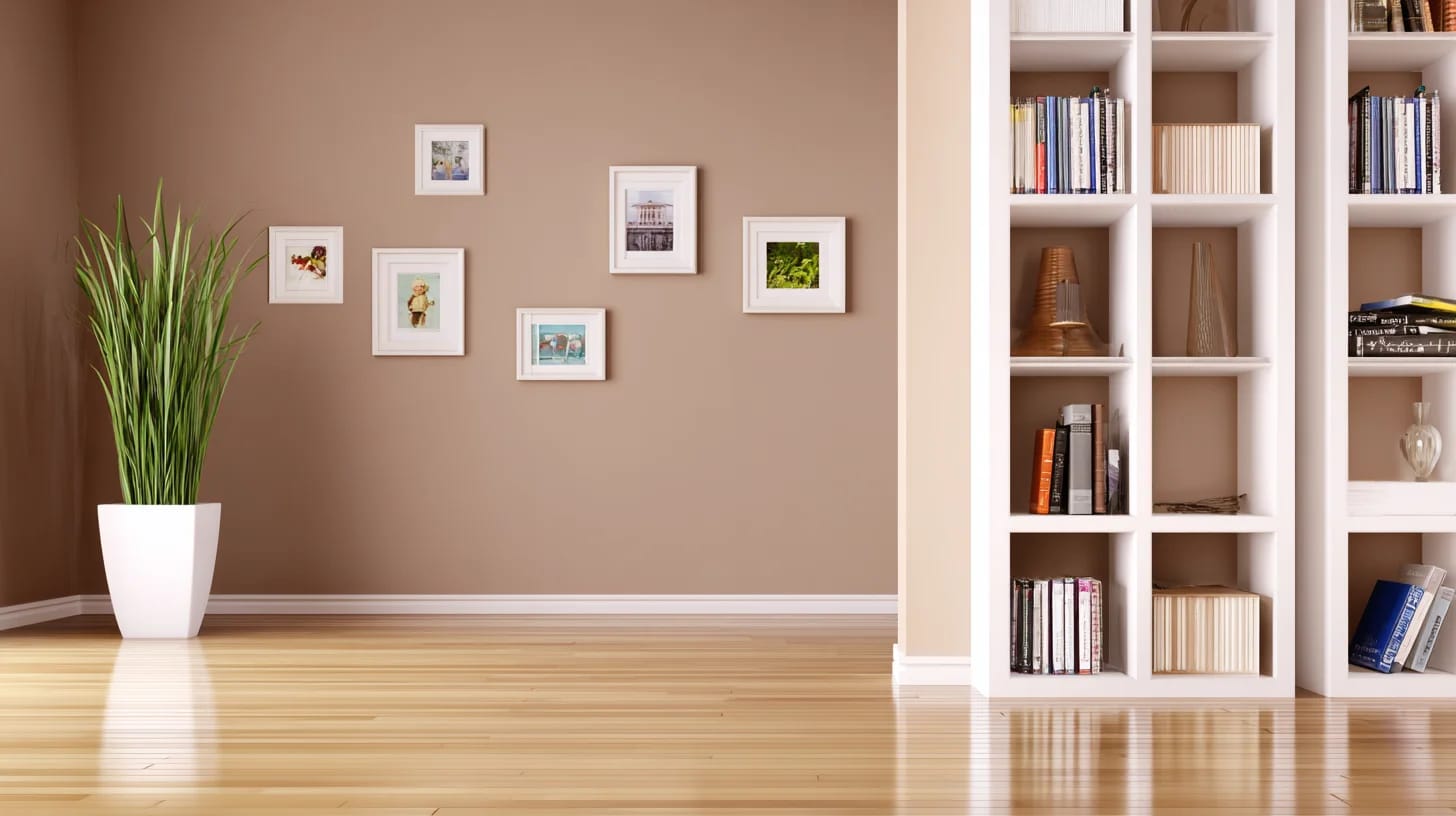
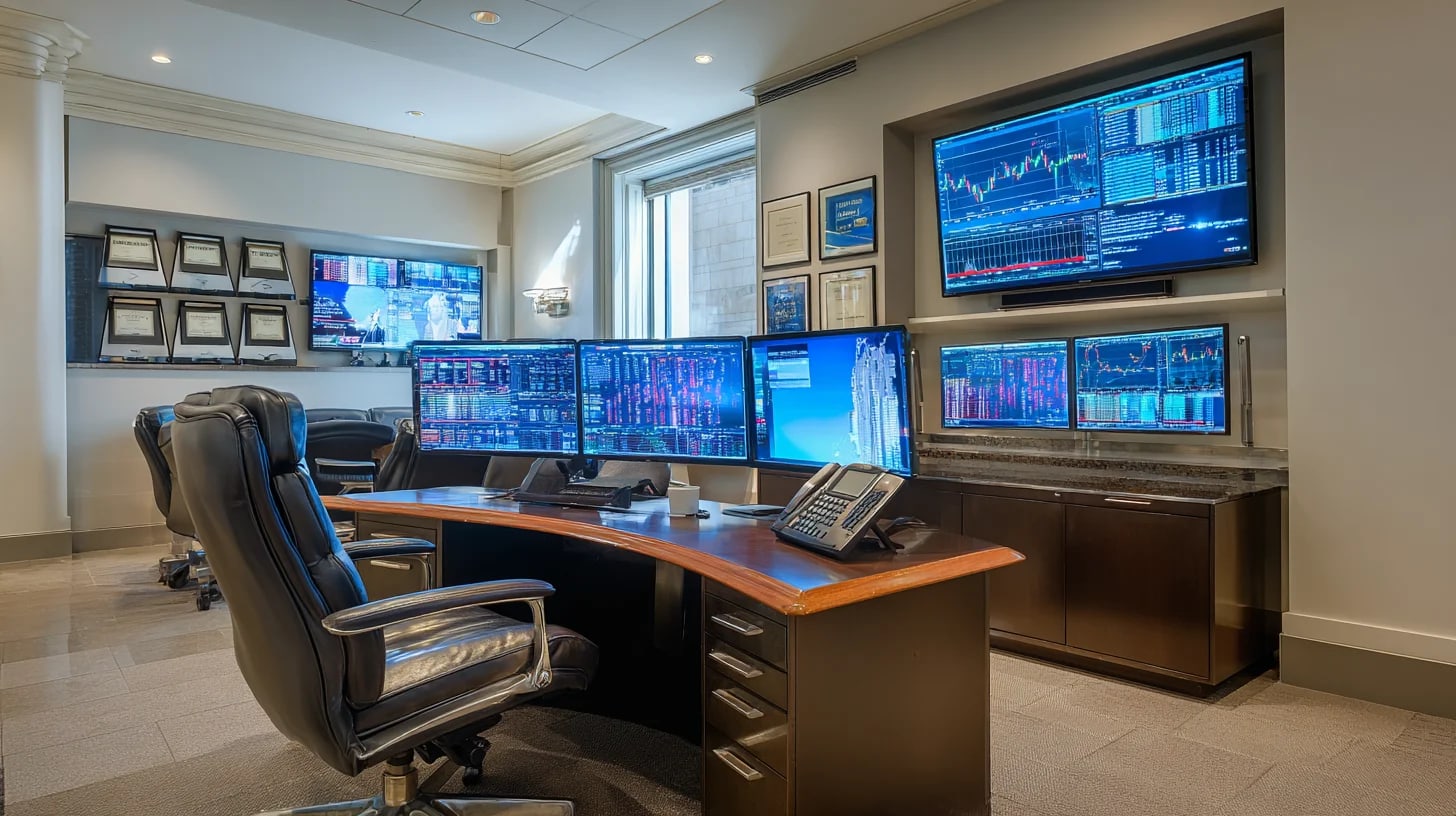
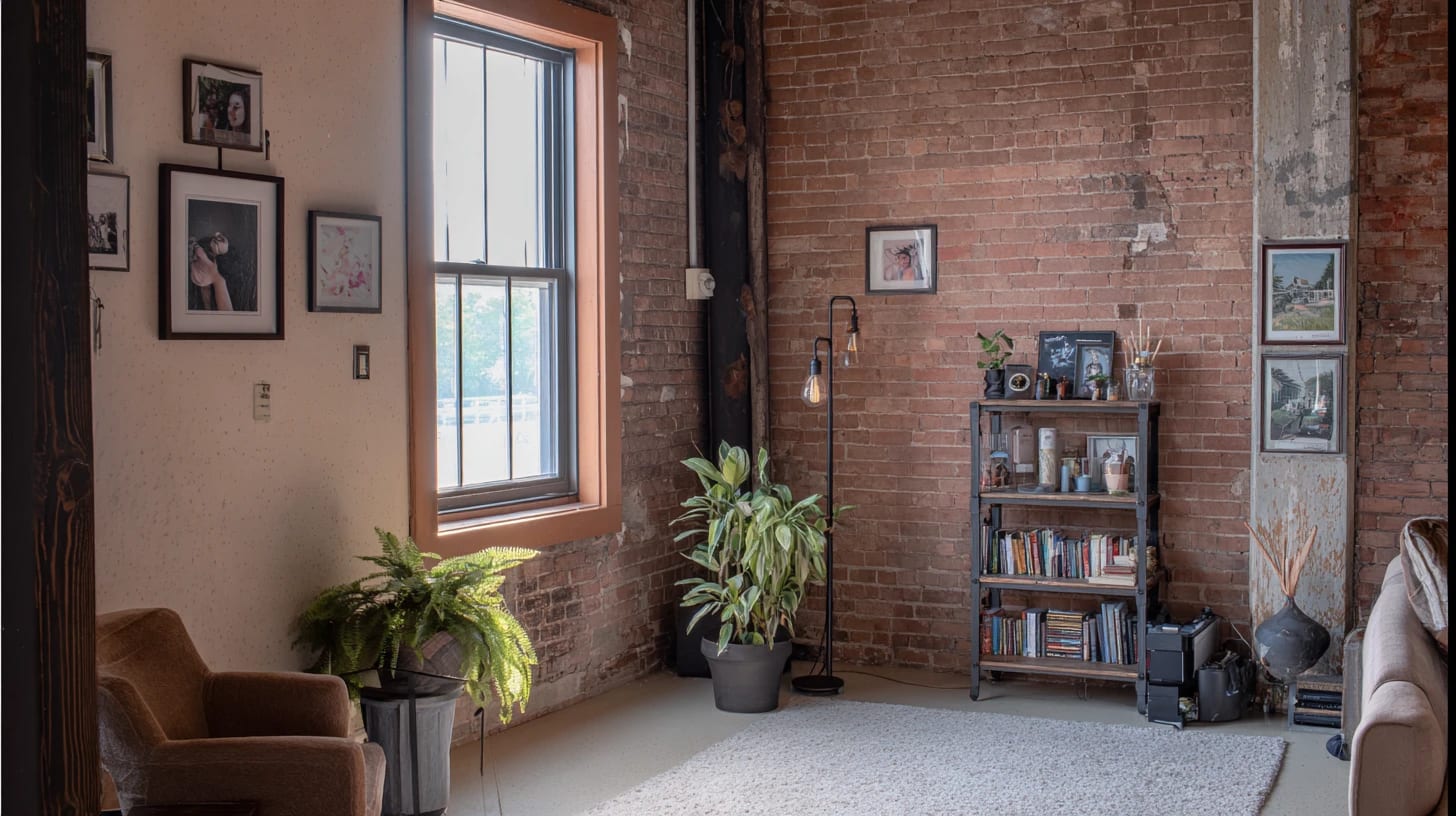
Why most "HD" background sites aren't actually HD for video calls
Sites like Unsplash or Pexels offer multi-megapixel photos, but those images are shot for print and web — not framed for a webcam. A landscape photo downloaded from a stock site at 4000 pixels wide still won't look right as a Zoom background because the composition is wrong: the subject is off-center, there's no clear "person zone", and the depth of field doesn't suggest a real space behind you.
Every background on StreamBackdrops — free and HD — is composed specifically for video calls. The "camera" sits where your webcam sits. The depth is shallow enough to look realistic, but deep enough to show interesting detail. The lighting matches what you'd actually see in that kind of room.
When does HD make a visible difference?
HD matters most in these situations:
- Large-screen calls — if participants are watching on 27"+ monitors, background pixelation is obvious
- Conference presentations — when your video is displayed on a room TV or projector, quality is magnified
- Job interviews — first impressions matter; a sharp background signals attention to detail
- Client-facing calls — polished detail reinforces professional credibility
- Bookshelves and textured backgrounds — these categories especially benefit; book spines and wood grain degrade badly at low resolution
Ready to upgrade your background?
150+ HD backgrounds at 2912×1632 · from $4.99
How to set up a virtual background in HD
The steps are the same regardless of resolution — the higher-res file just replaces the standard one:
- Download your HD background from the HD page
- Zoom: Settings → Background & Effects → Virtual Background → + to add image
- Teams: Before a call → Apply background effects → Add new → select your file
- Google Meet: In-call → More options → Apply visual effects → Upload background
All three platforms accept .PNG files. Our HD downloads are PNG — no conversion needed.
File size: is HD too slow to download?
HD backgrounds at 2912×1632 are typically 3–6 MB each as optimised PNGs. That's a one-time download of a few seconds on any broadband connection. Once the file is saved locally, Zoom or Teams loads it instantly — it never re-downloads during the call. File size is not a practical concern.
Ready to try HD?
Browse 150+ HD backgrounds at 2912×1632. Packs from $4.99 — or grab the free backgrounds first.